
Zeelo DRIVER APP
Leading driver technology to safeguard every trip
Secure login, vehicle tracking, touch-free driving experience, QR Code & NFC Scanning
Available on:


How the driver app works
Here's how the Zeelo driver app supports each and every trip to be operated safely
View list of jobs
The list of trips shows them the key details of each trip, so drivers can prepare for the day ahead

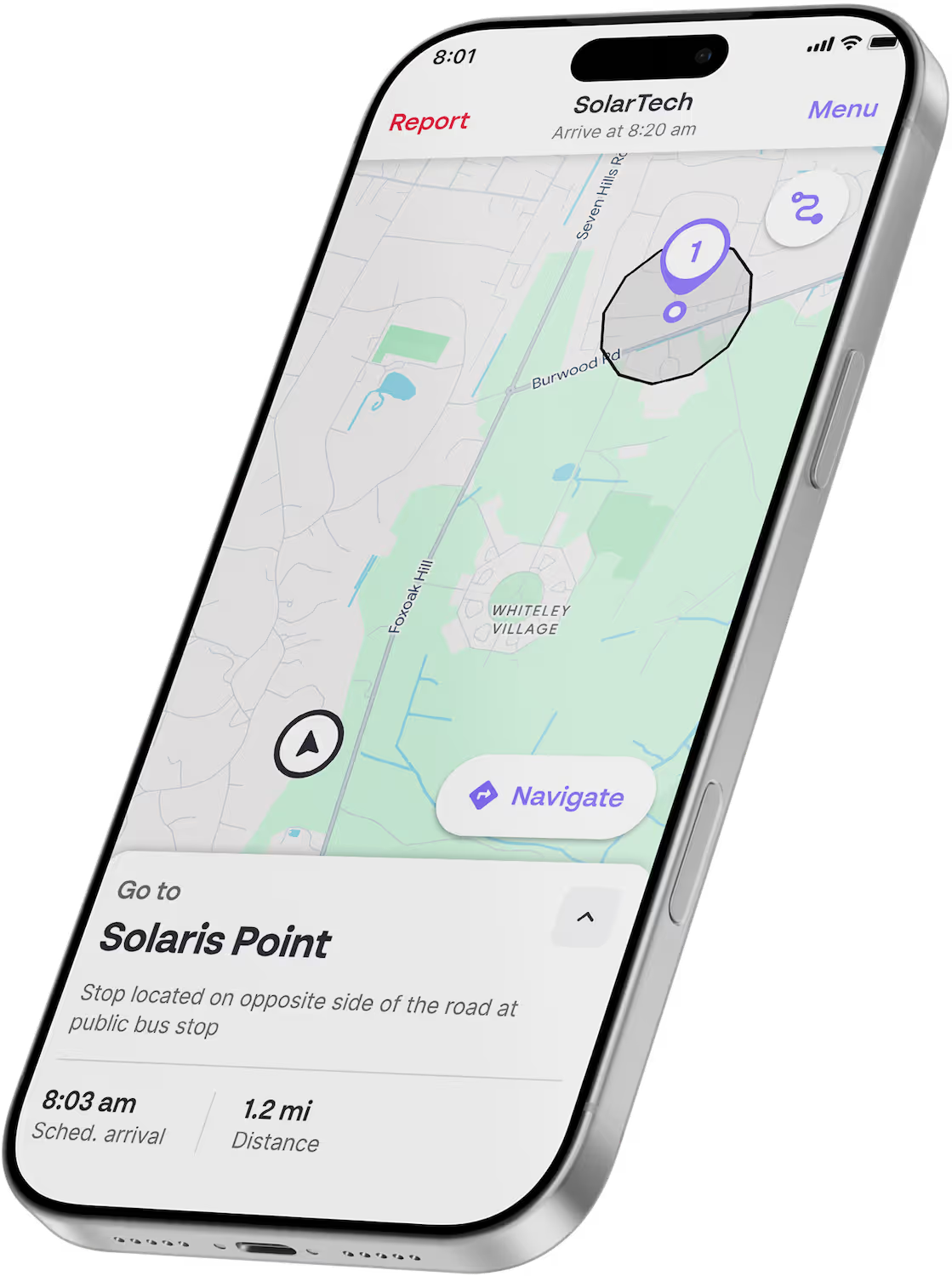
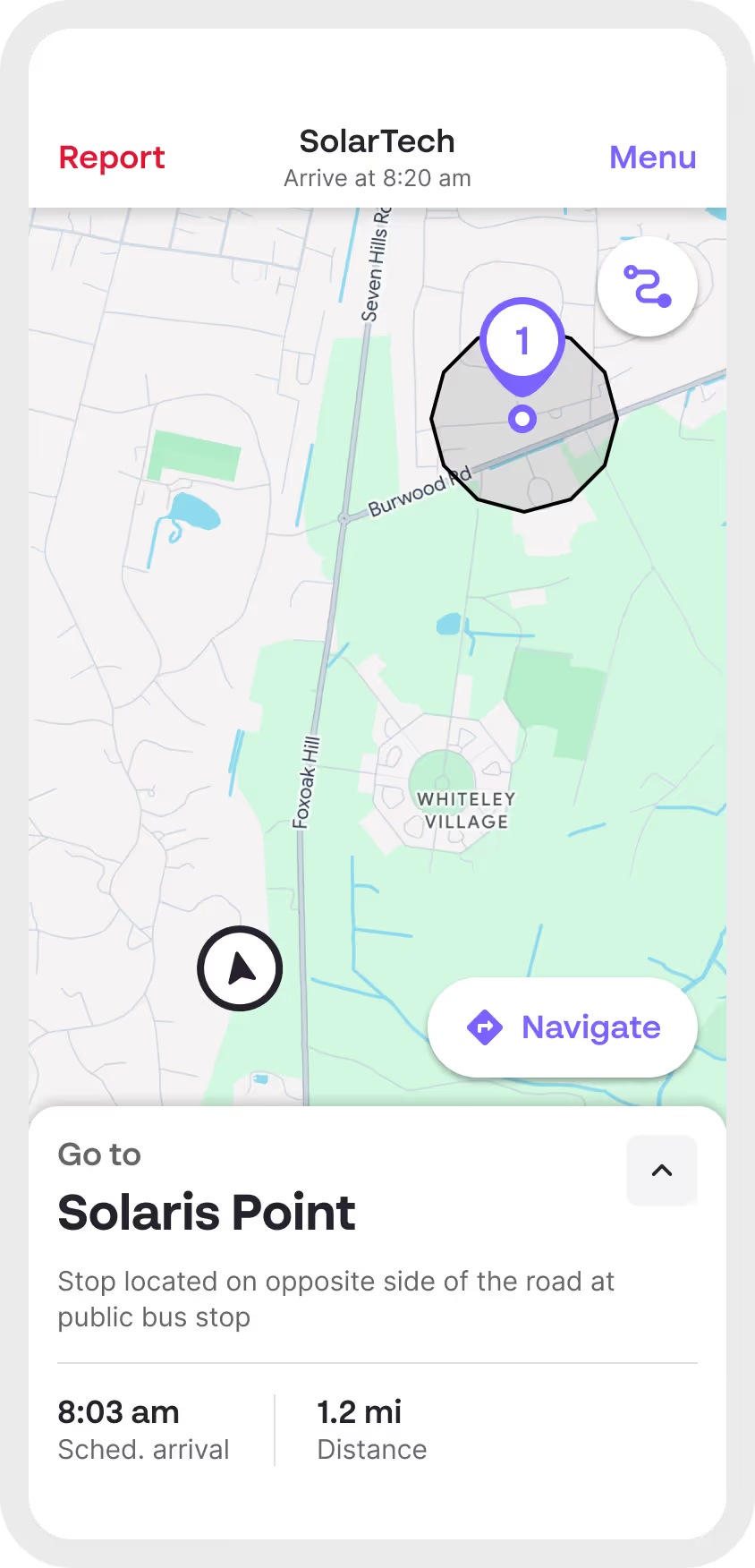
Start a trip
Drivers get directions to the next stop and reminders of expected arrival time
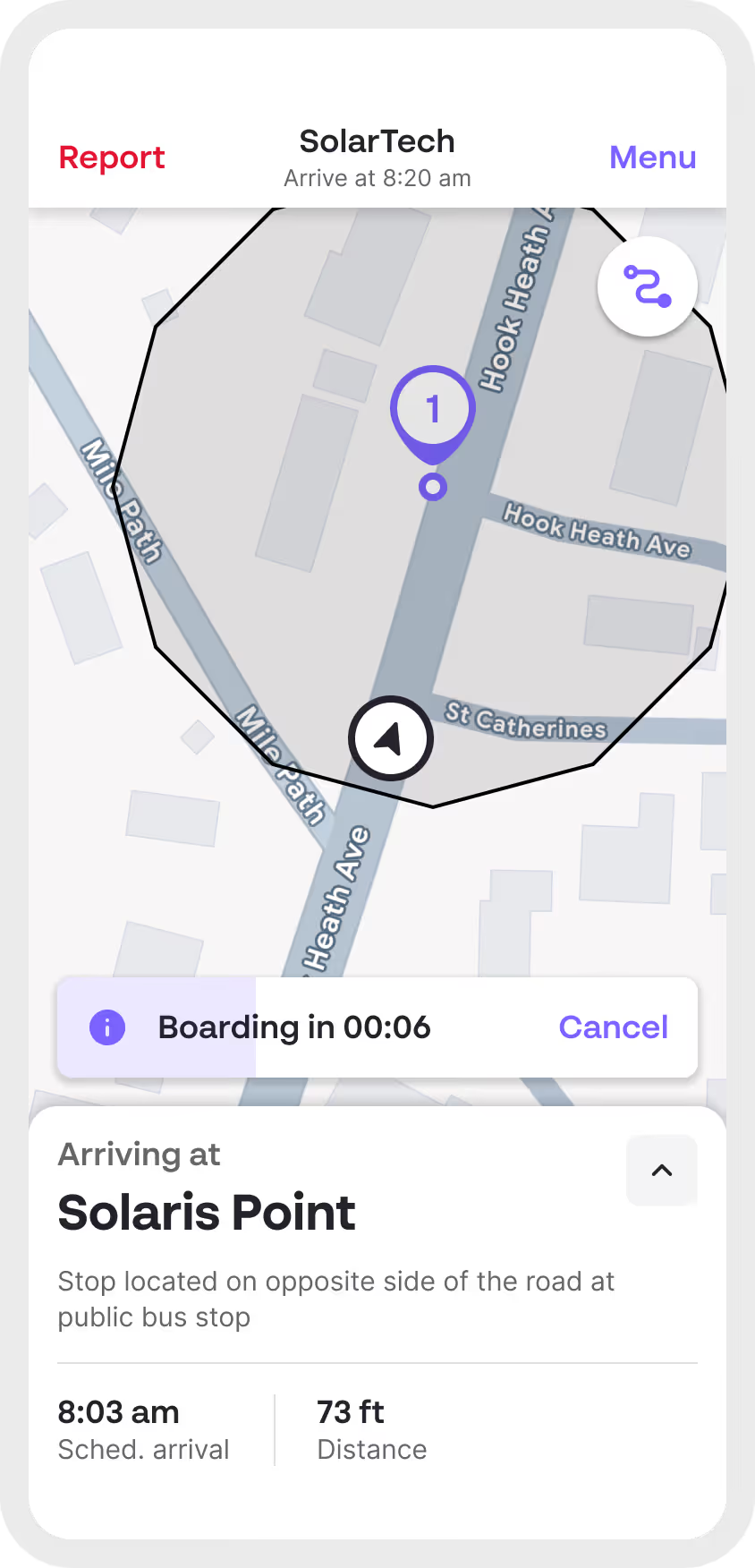
Touch-free driving
The app transitions to the boarding screen when the driver enters a pickup’s geofence
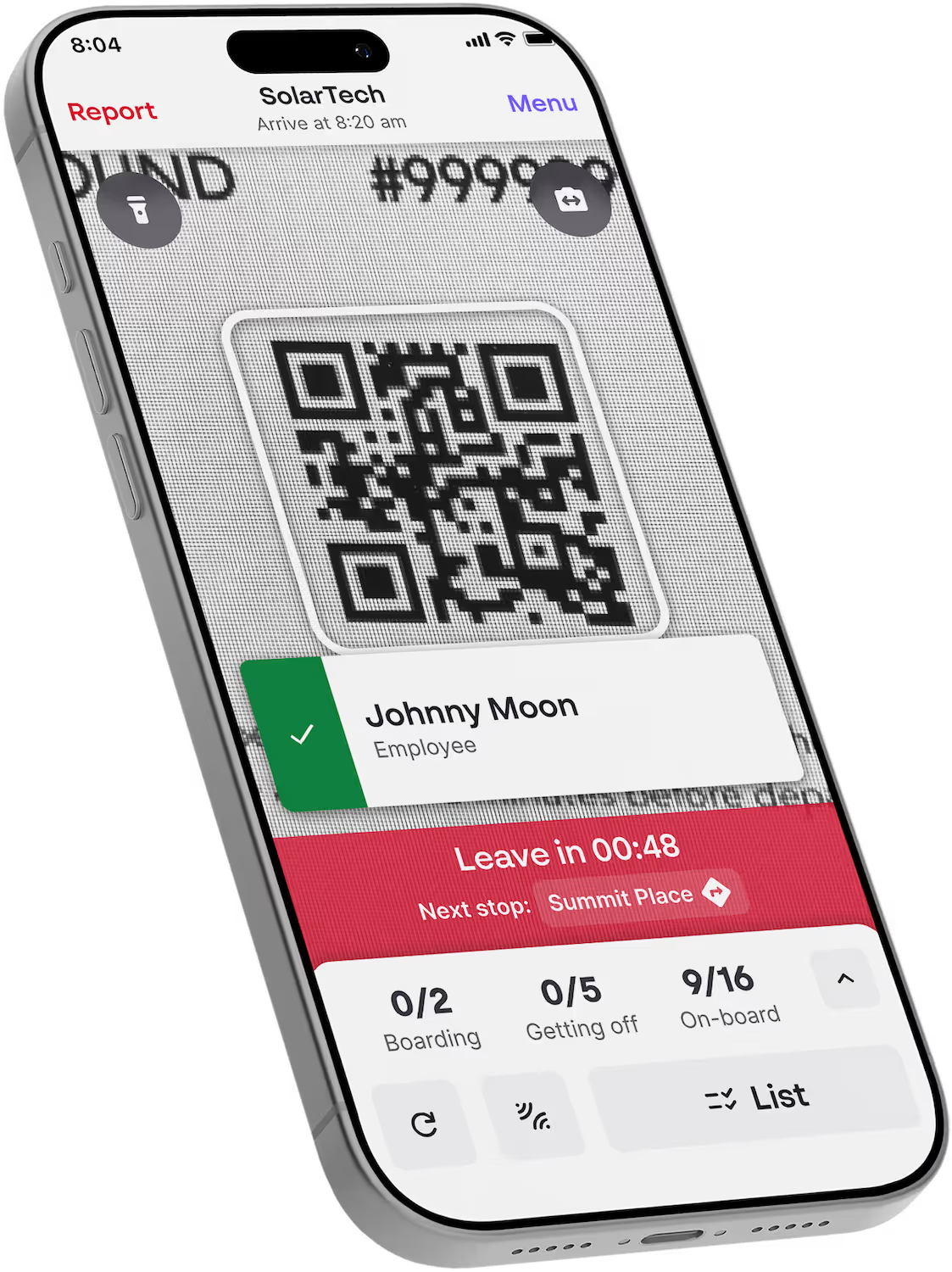
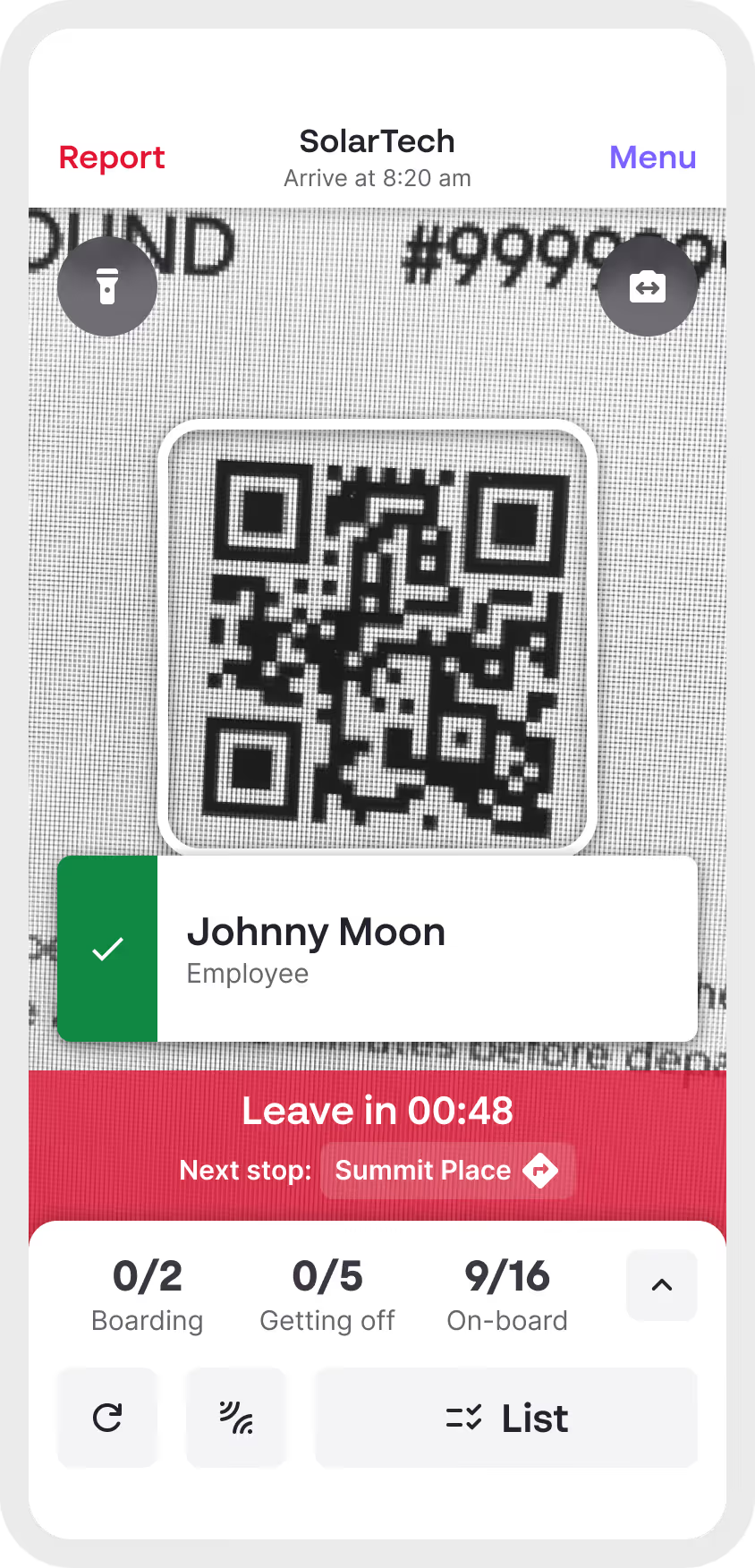
Touch-free boarding
The device camera can face front or back, so that riders can self-scan their boarding pass
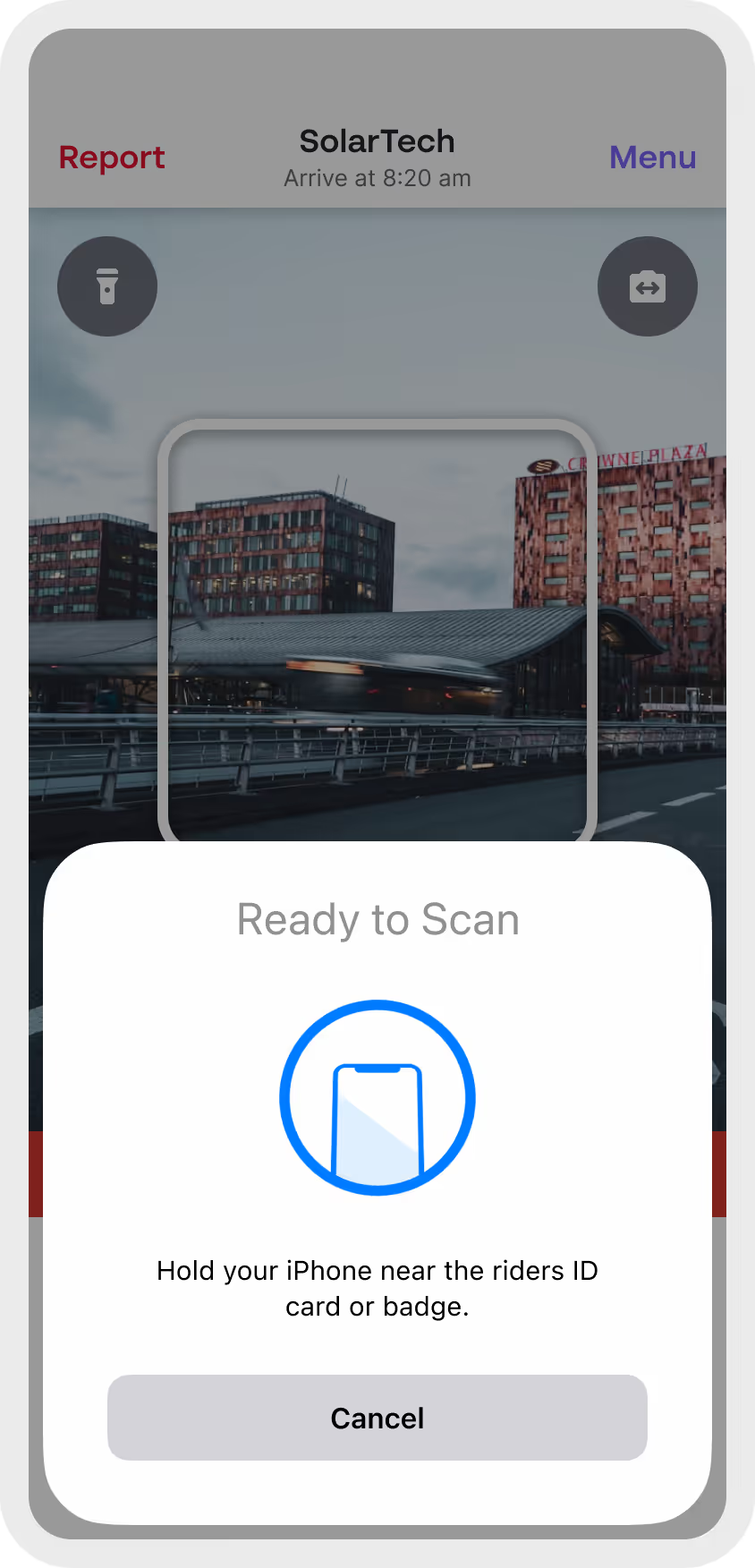
RFID & NFC enabled
The driver app also supports RFID & NFC badge boarding
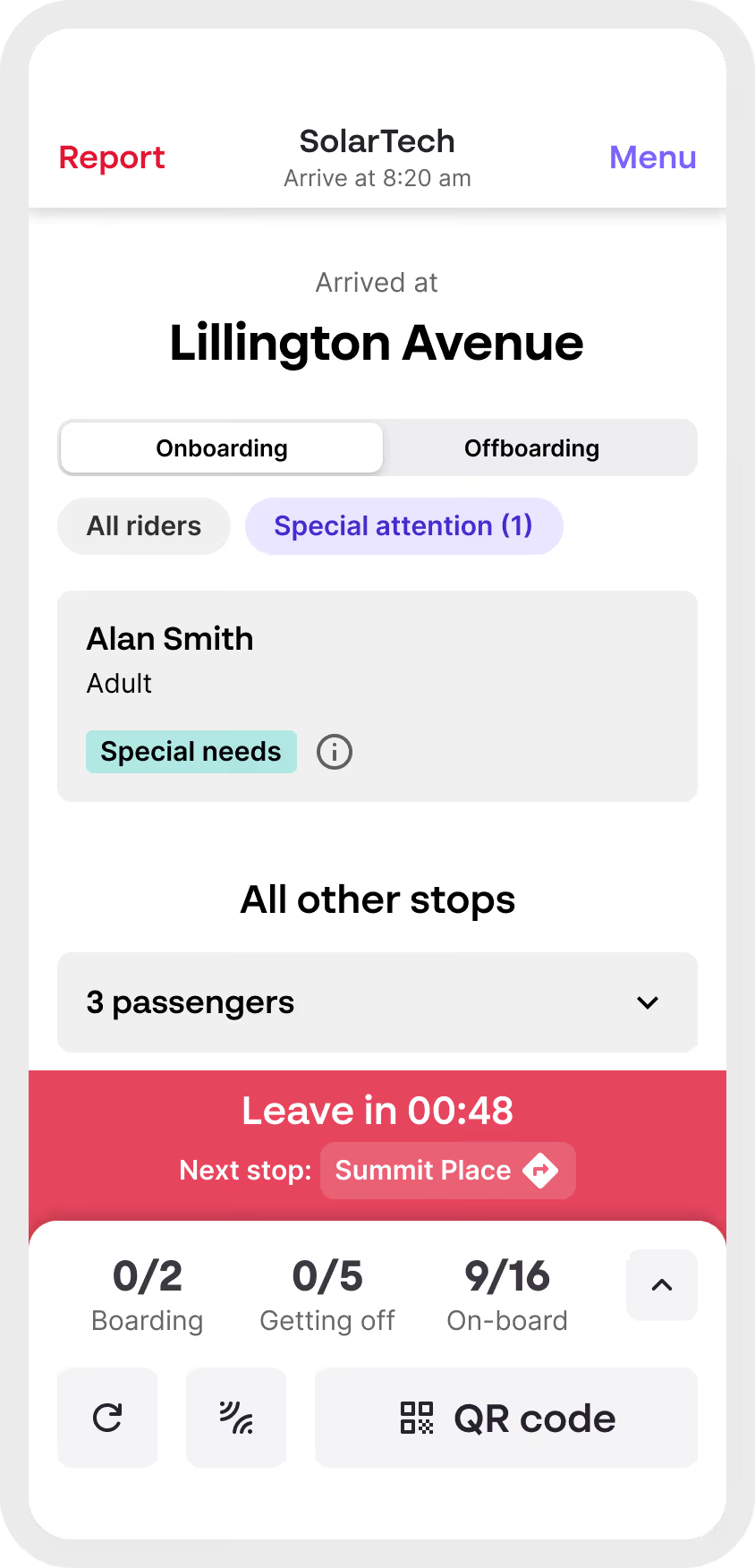
Special attention badges
Driver will be alerted of passengers with special needs to support them
Rapid escalation
Driver can easily report operational issues to our team to get swiftly resolved

Safeguarding is at the heart of everything we do
Discover our safeguarding practices to keep everyone safe

Two-factor authentication
Drivers have to verify their device to ensure the right person is driving on the day.

Special Needs reminders
Organizations, parents and riders can let the driver about Special Needs to pay attention to.

Driver reminders
If a Driver isn't active in the app long enough before the trip starts, they will get contacted.

In-app directions
Precise map ensures driver can precisely see where to pick-up their passengers

Vehicle tracking
The driver's phone sends its location every few seconds, so that riders can precisely track vehicle.

QR Code scanning
Accurate boarding by QR Code.

RFID / NFC Badges
Enable fast, contactless check-ins with RFID and NFC technology for secure rider verification.

Offline mode
Driver app continues to store data and operate even when driving a patch with no connectivity.

Touch free
Drivers don't need to touch the app whilst driving. Riders can even self-scan using the front camera if needed.

Record riders without passes
Driver can report within the app any riders that boards without a pass.
Rapid escalation
Drivers have got a direct line of contact with Zeelo's support team to rapidly resolve issues.
Book a call now to explore our transportation solutions
A transportation expert will explore how our solutions can help you with your unique challenges

Frequently asked questions
How does the driver app ensure trips run on time?

Driver can see the expected pickup time at each stop on the route. Constant location tracking allows our platform to calculate estimate arrival times and anticipate delays.
How does the app improve passenger safety, especially for students?
The driver app defaults to QR Code scanning, ensuring we can report accurately on employee and student boarding event. On Education, we can also enforce scanning upon disembarking, to track at what stop a student is getting off. Finally, the use of Special attention tags can add a level of safety by highlighting more vulnerable student the driver should pay attention to.
What happens if a driver loses connectivity or their device fails?
Zeelo driver app is able to store on the device all the information a driver needs to operate a trip efficiently, from route map to passenger lists. Boarding data will get synchronized to our platform when the driver gets back online. During that time, Riders will be alerted on their tracking screen that the connection is temporarily interrupted.
How does the system prevent missed pickups or wrong drop-offs?
The driver app will warn drivers and our Monitoring team of any missed scans, skipped stops, and real-time alerts for anomalies.
Can drivers operate the app easily without extensive training?
The driver app has been co-designed with drivers and operators to be simple to use and to minimize human error. Driver still go through mandatory training before using the driver app.


Trusted. Every trip.
Zeelo is the smart bus platform for organizations. We design, manage and optimize transport programs to help our clients achieve their goals.


